
CMS Pages

Overview

Every Sprintfy project comes with a set of ready-made CMS pages that allow you to manage system configuration, users, content, and reference data without writing any backend code.

These CMS pages are available immediately after creating a project and are designed to support most backend and application use cases.

System Settings

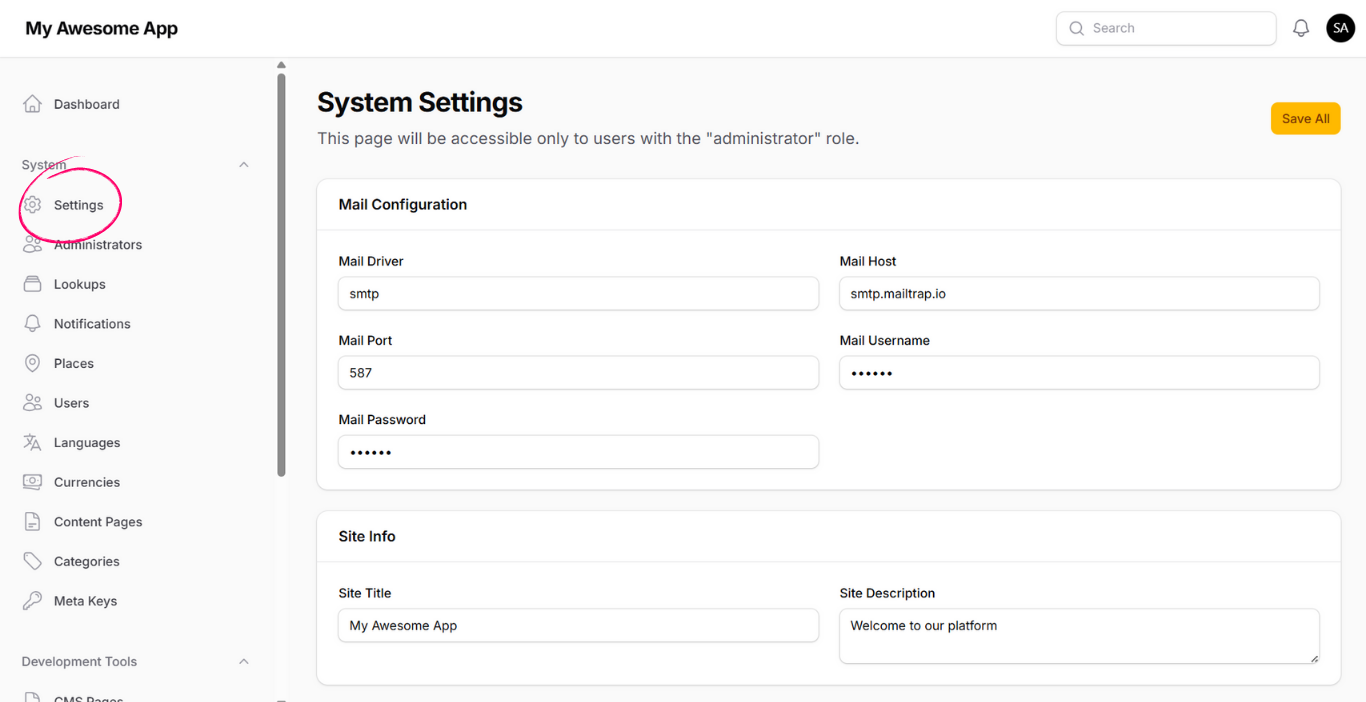
The System Settings page allows you to configure core behavior of your application.

  • Mail Configuration
    Configure mail driver, host, port, username, and password used by the system.
  • App Info
    Define the application title and description used across the platform.
  • OTP & Security
    Control OTP expiration time, retry limits, resend delay, user devices limit, and whether email verification is required.
  • Login & Session
    Configure login attempts limit and enable admin approval after registration if manual user review is required.
System Settings

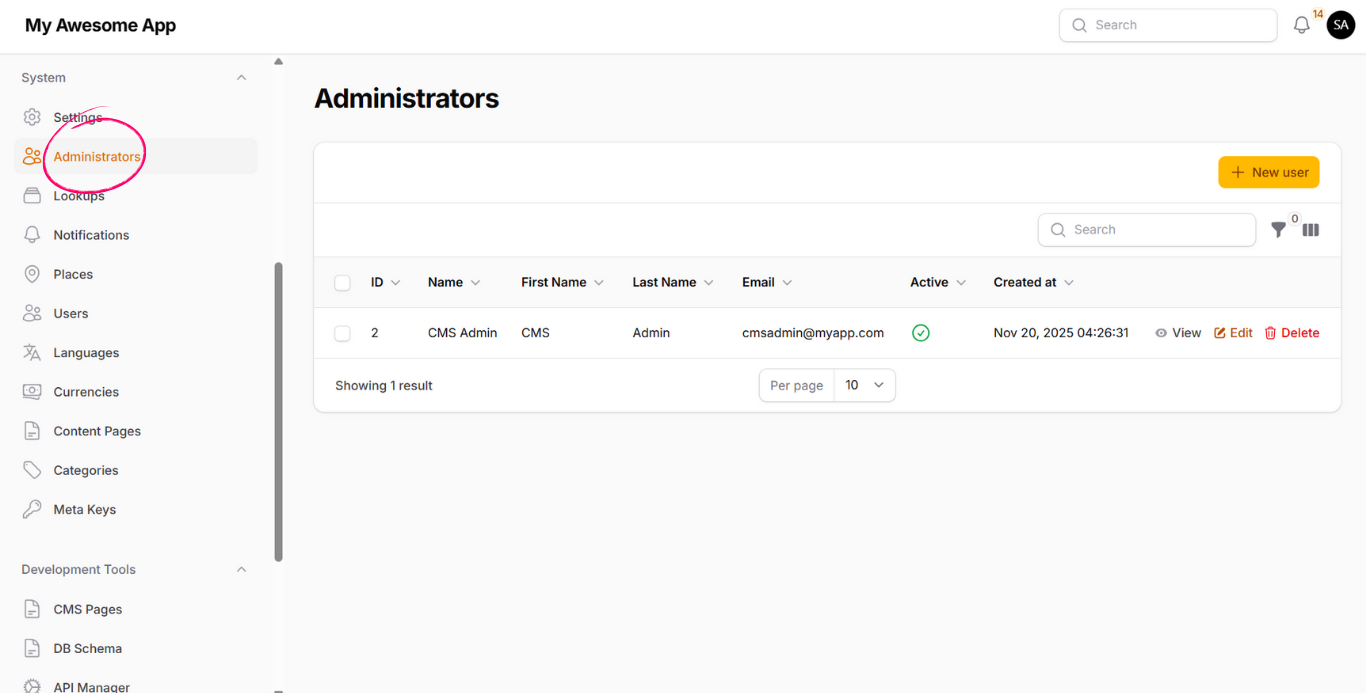
Administrators

This page allows you to manage administrators who have access to the CMS.

Administrators can be assigned different roles and permissions based on the level of access required.

Administrators

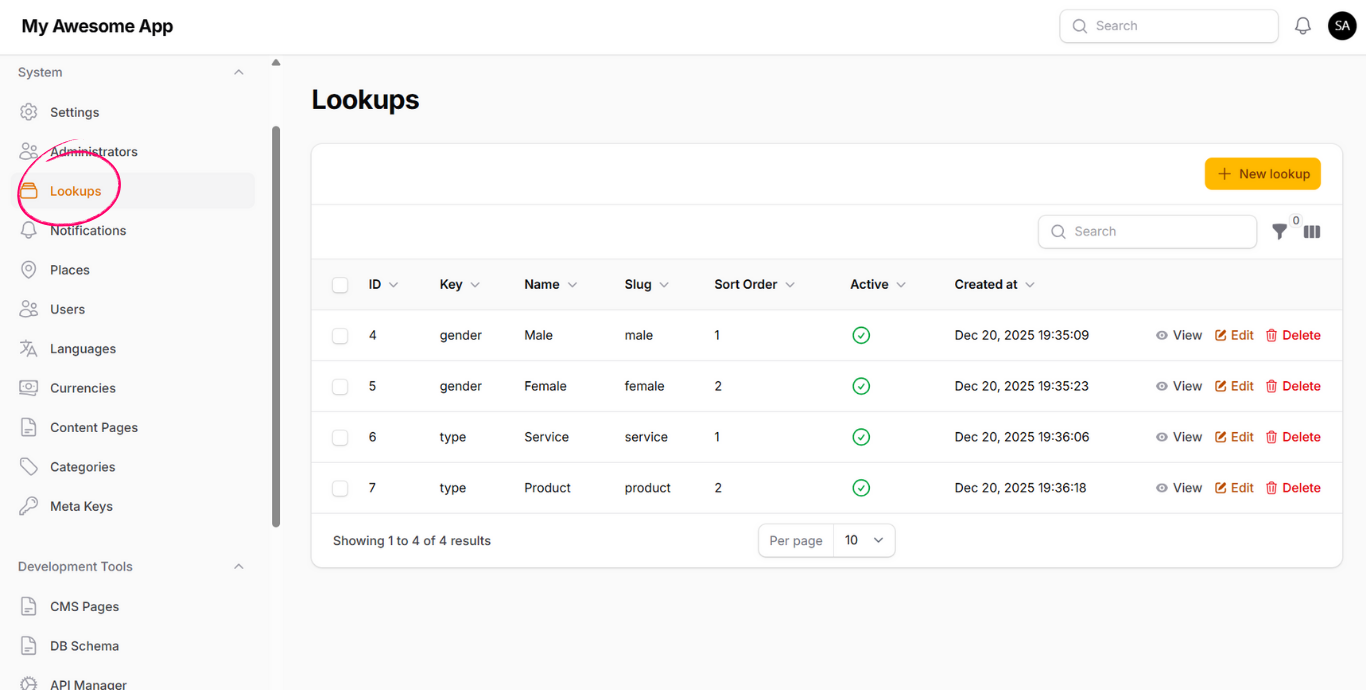
Lookups

Lookups allow you to define dynamic reference data used across the system.

Examples include:

  • Gender (male, female)
  • Status (active, pending, rejected)
  • Types, flags, and enums

Lookups can be assigned dynamically to any model without modifying database schemas.

Lookups

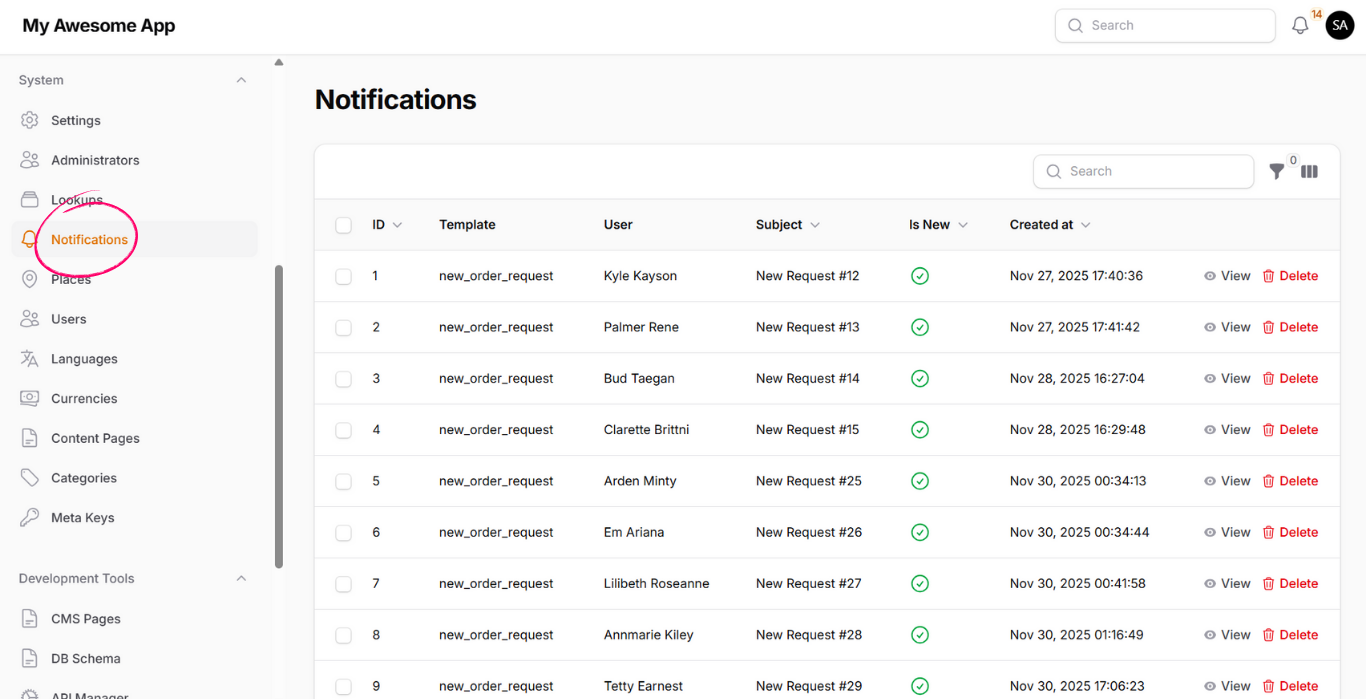
Notifications

This page displays notifications sent by the system to users.

It helps administrators monitor system activity and user communication.

Notifications

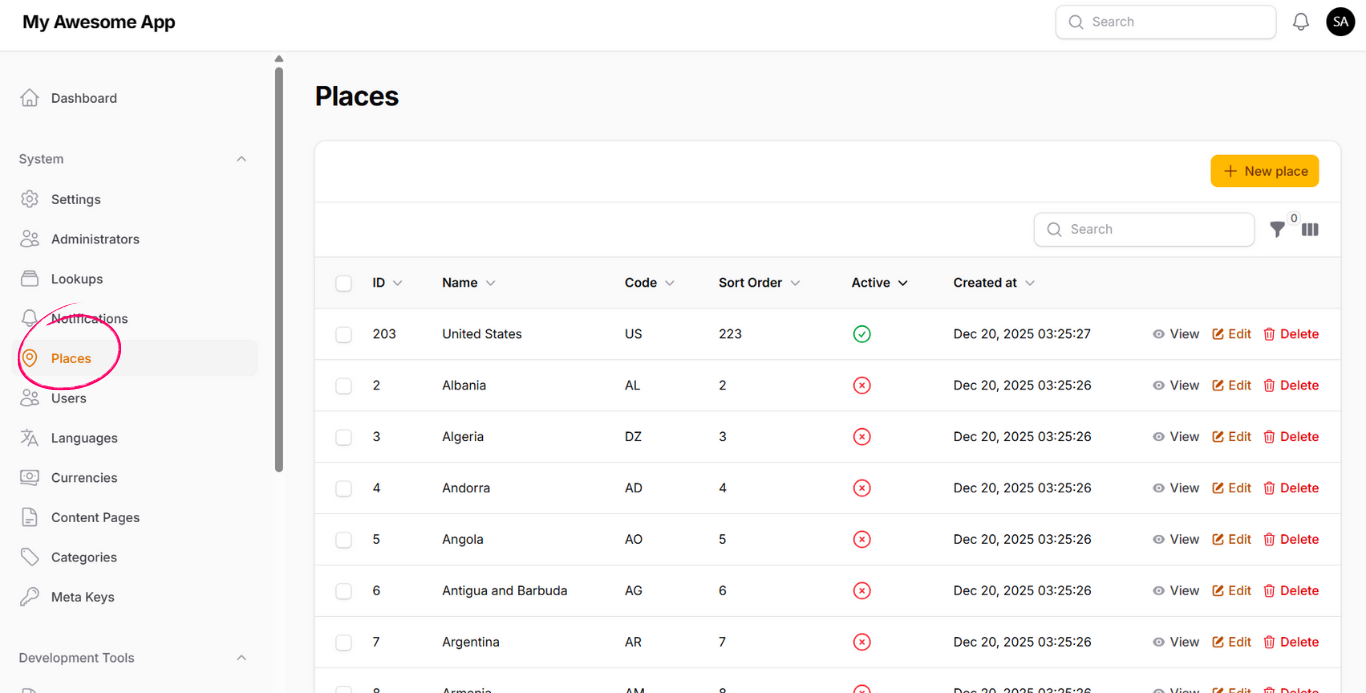
Places

The Places page manages geographical locations used across the system.

  • Countries can be activated or deactivated
  • Cities and areas can be defined as sub-places
  • New places can be added dynamically
Places

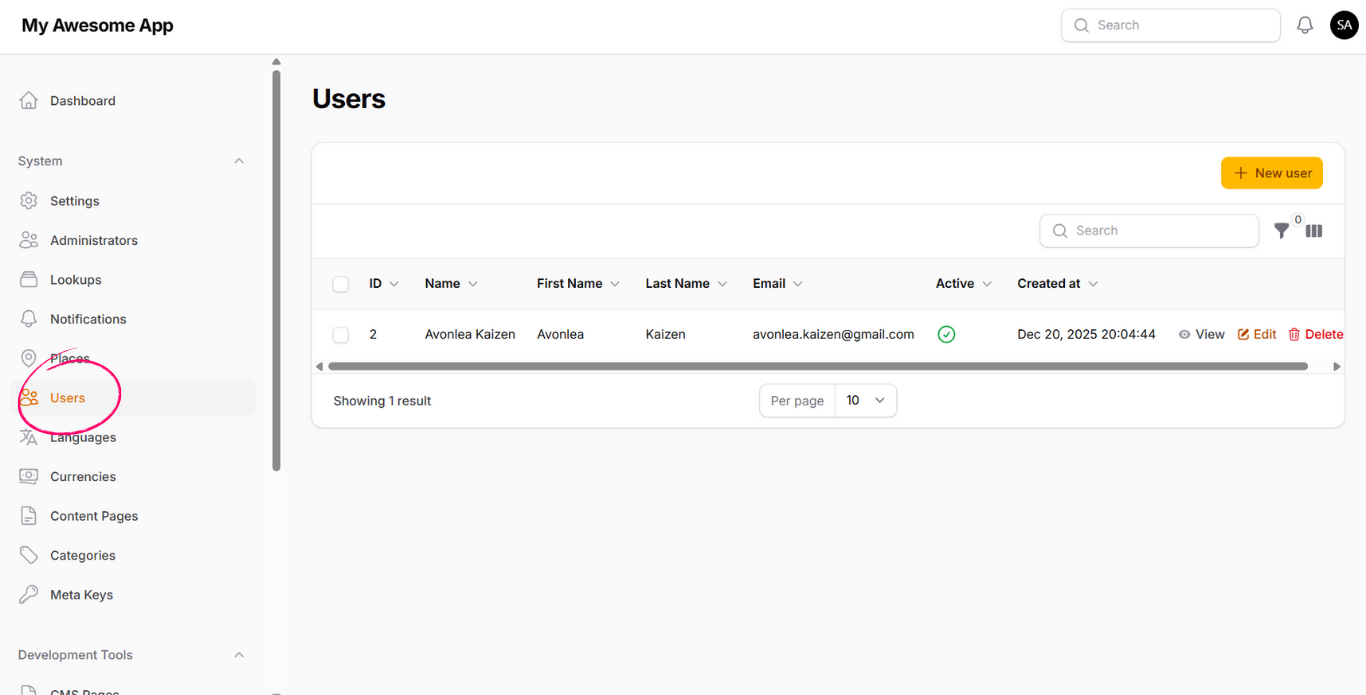
Users

This page allows you to manage application users.

Users listed here typically have the user role and represent end-users of your application.

Users

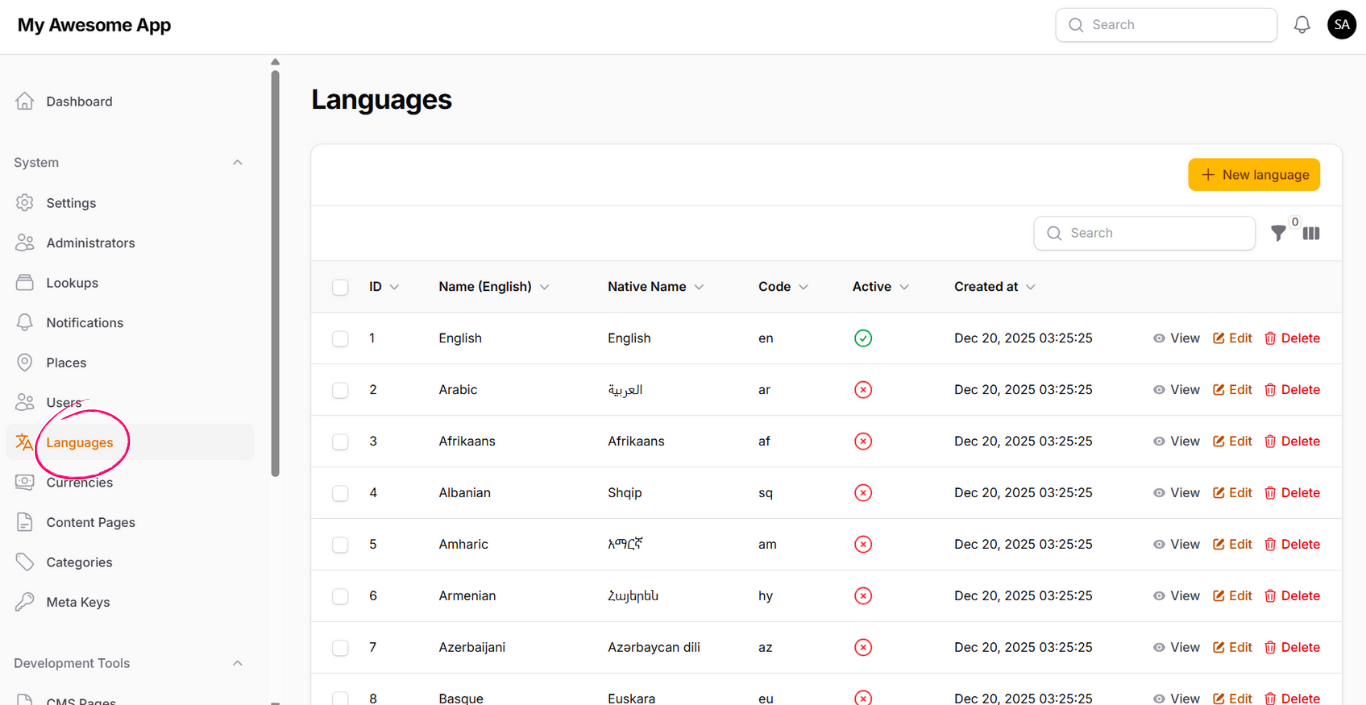
Languages

Manage supported languages in your application.

  • Activate or deactivate languages
  • Create new languages
  • Used for translatable content and meta data
Languages

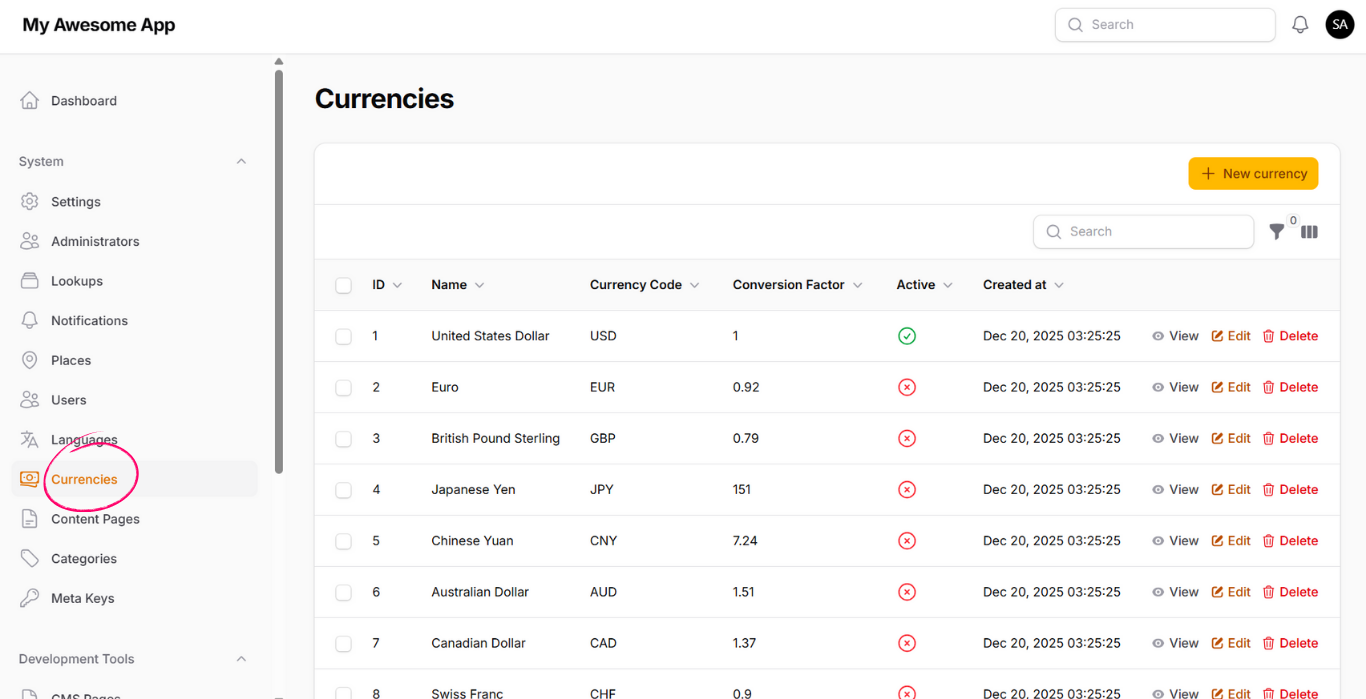
Currencies

Manage currencies available in the system.

  • Activate or deactivate currencies
  • Create new currencies
  • Used in pricing, payments, and financial data
Currencies

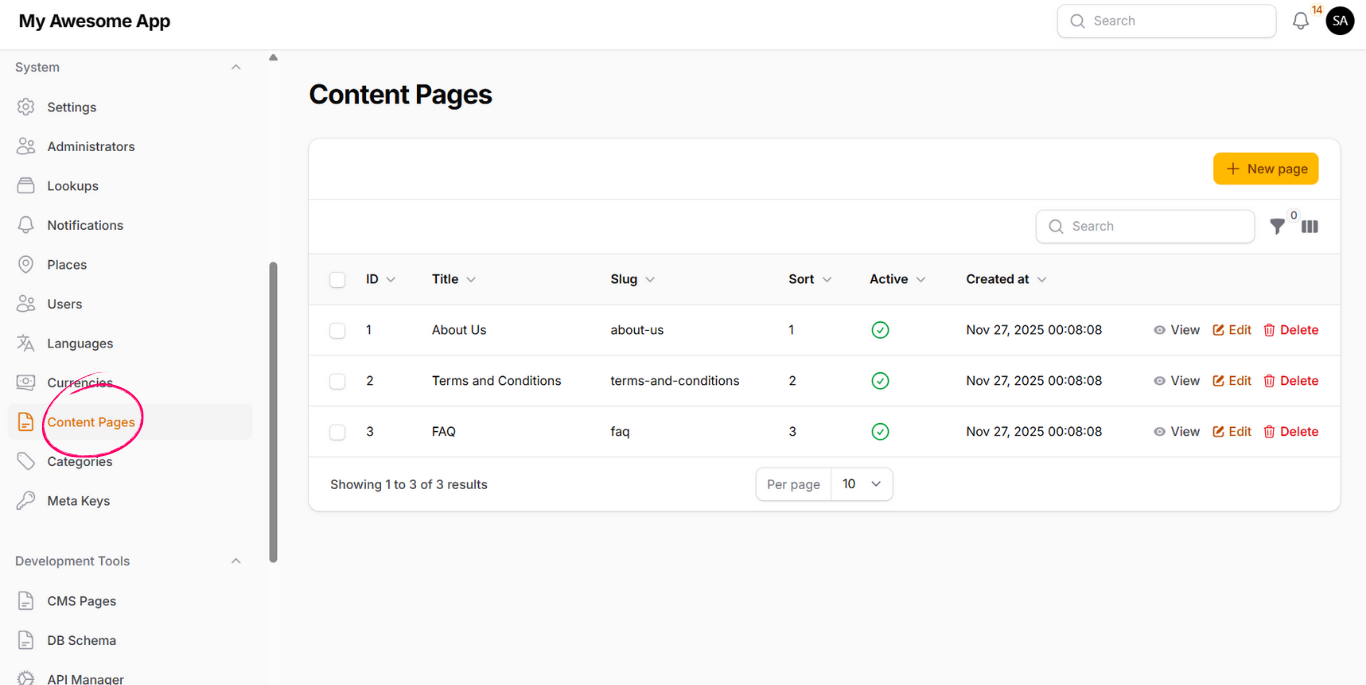
Content Pages

Content Pages allow you to create static and dynamic pages such as:

  • About Us
  • FAQ
  • Terms & Policies

Pages can contain nested sub-pages to support multi-level content structures.

Content Pages

Categories

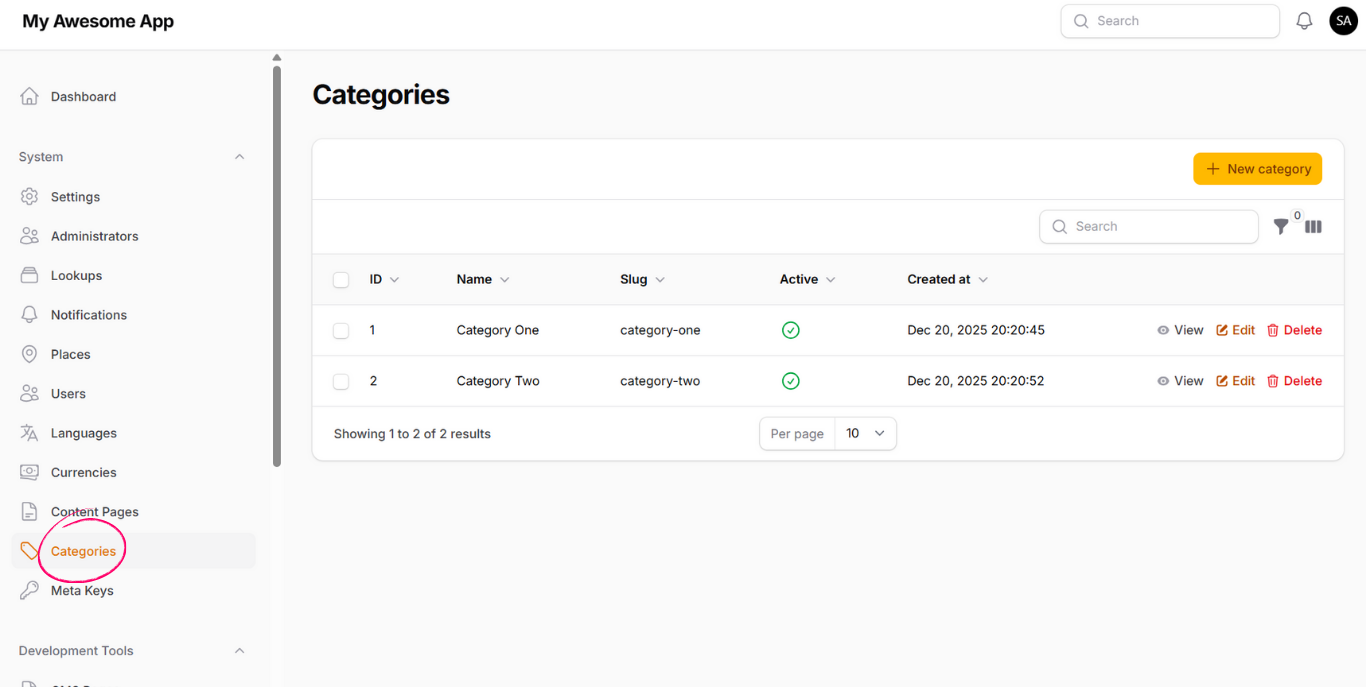
Categories allow you to organize data logically across the system.

Categories can be attached dynamically to any model without adding category fields to database tables.

Categories

Meta Keys

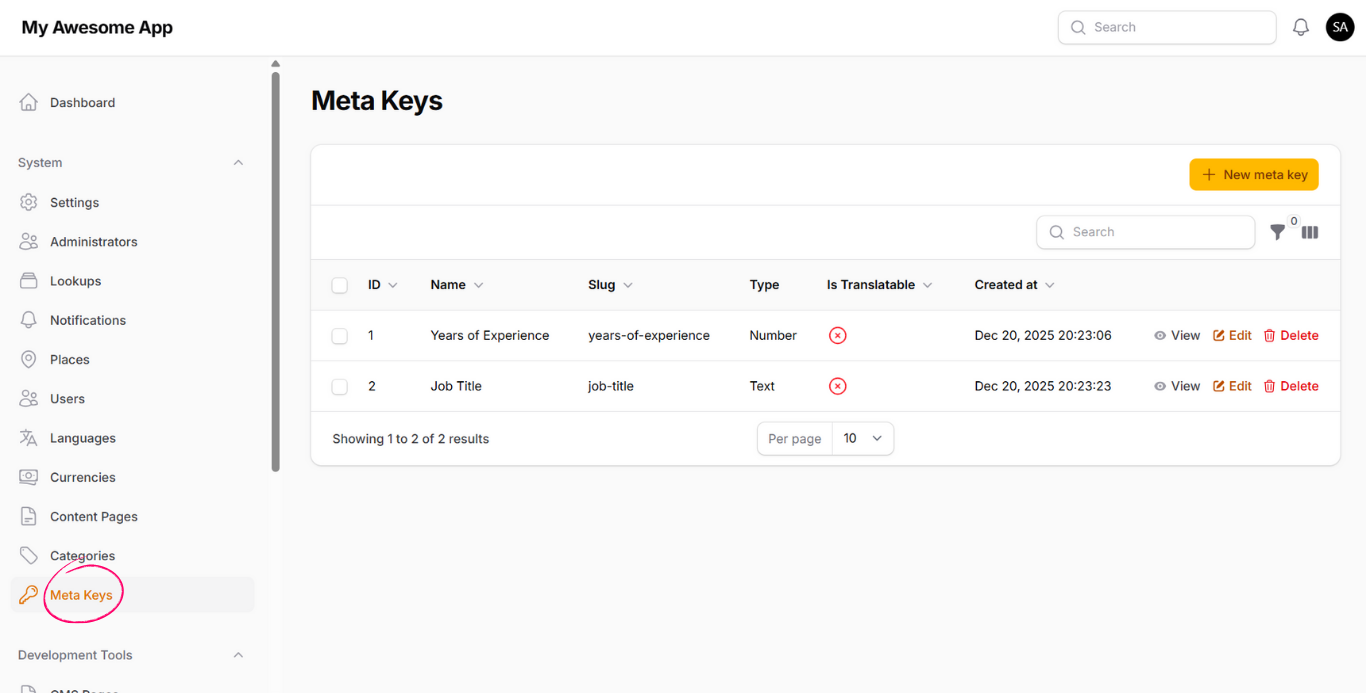
Meta Keys allow you to define flexible attributes for models.

  • Keys can be translatable or single-language
  • Each key has a defined type (text, number, select, radio, checkbox)
  • Options can be defined for selectable types

Meta keys can be assigned dynamically to any model and are commonly used to extend data without altering schemas.
Meta Keys