

Introduction
From this section you can manage the third-party providers and its configuration. Third-party providers are external services that the system integrates with in order to support advanced features such as notifications, messaging, authentication, payments, or any other external functionality.
Each provider represents a specific external service, and the system is designed to work with these providers dynamically through configurable keys instead of hardcoded values. This allows you to enable, disable, or change integrations without modifying backend code.
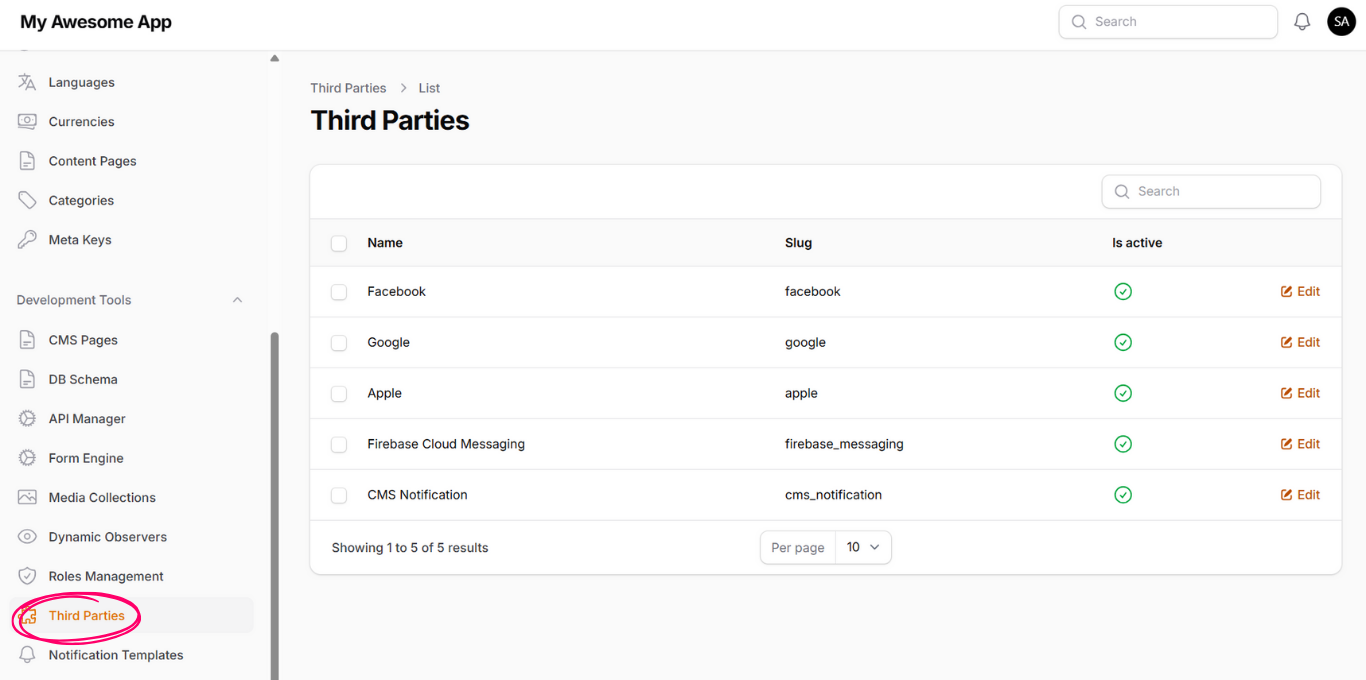
Provider Configuration
When you enter the edit page for any provider, you will see a list of Configuration Keys. These keys represent all required settings needed for the system to communicate correctly with the selected third-party service.
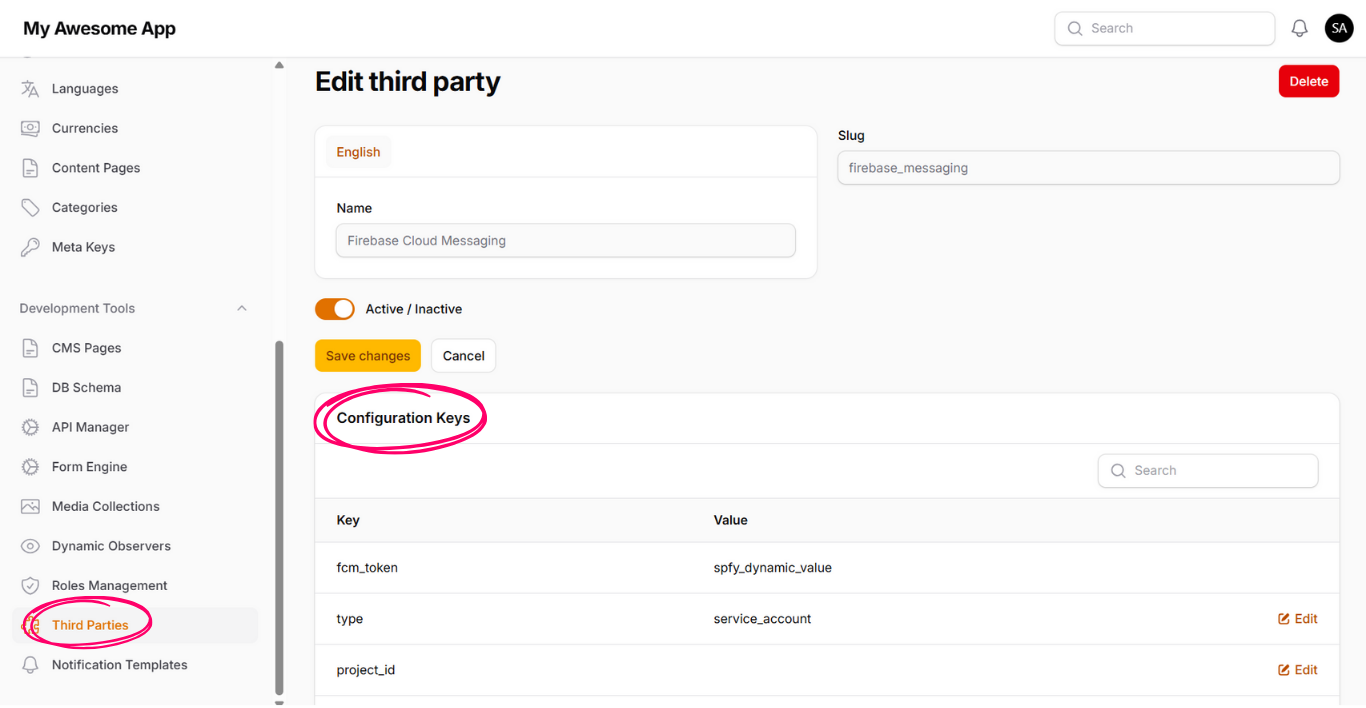
You can edit the values of these configuration keys directly from this page. Each key usually represents a credential, identifier, or environment-specific value, such as API keys, project identifiers, secrets, or endpoints.
For example, when configuring Firebase Cloud Messaging, you need to update all configuration keys with valid values provided by Firebase. Once these values are correctly set, the provider can be used by system features such as observers, especially in actions related to sending notifications.
If the required configuration values are missing or incorrect, the related features depending on this provider will not work as expected. Therefore, it is recommended to review and validate all configuration keys before using a provider in production.